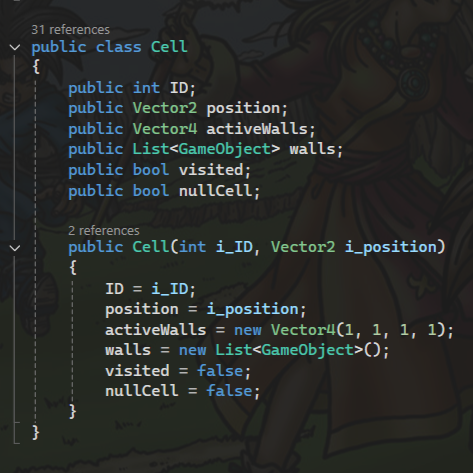
A custom class called "Cell" is used throughout the maze generation process to store key information for each grid position of the maze. This includes:
The cell's ID value,
The X and Z position of the cell,
The number of active walls the cell should have,
A list of the cell's wall gameobjects,
A flag for if the cell has been visited or not,
A NullCell flag.
Procedural Maze Generator
(Recursive Backtracker and Perlin Noise)
This Procedural Maze Generator is a Unity based tool that generates mazes using the Recursive Backtracking Algorithm, using Perlin Noise it also generates intertesting and organic-looking terrain for mazes to be generated within.
How it works
Cells
Generation
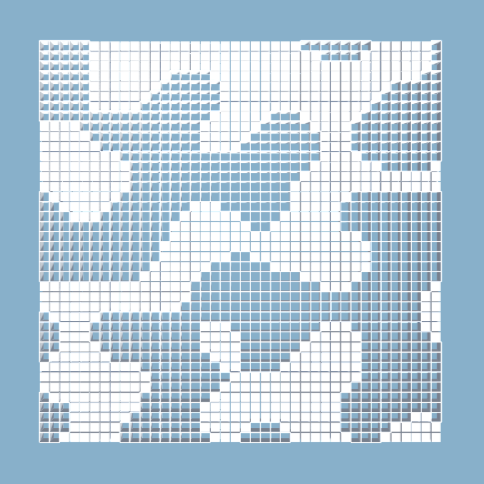
To begin, the maze generator script generates a 2D array of "Cells" and assigns each a unique ID and it's position. This "maze" array is then passed into the "GenerateMaze" function, here a new random is seeded unless there is already an assigned seed. If Perlin noise is enabled, a 2D array of float values is created to store the generated noise. The noise is then offset by either a randomized or predefined value. Once generated, each value in the perlin noise array is compared to a tolerance threshold, any cells above this threshold are flagged as null cells and are set to visted, preventing the backtracker from pathfinding through them.
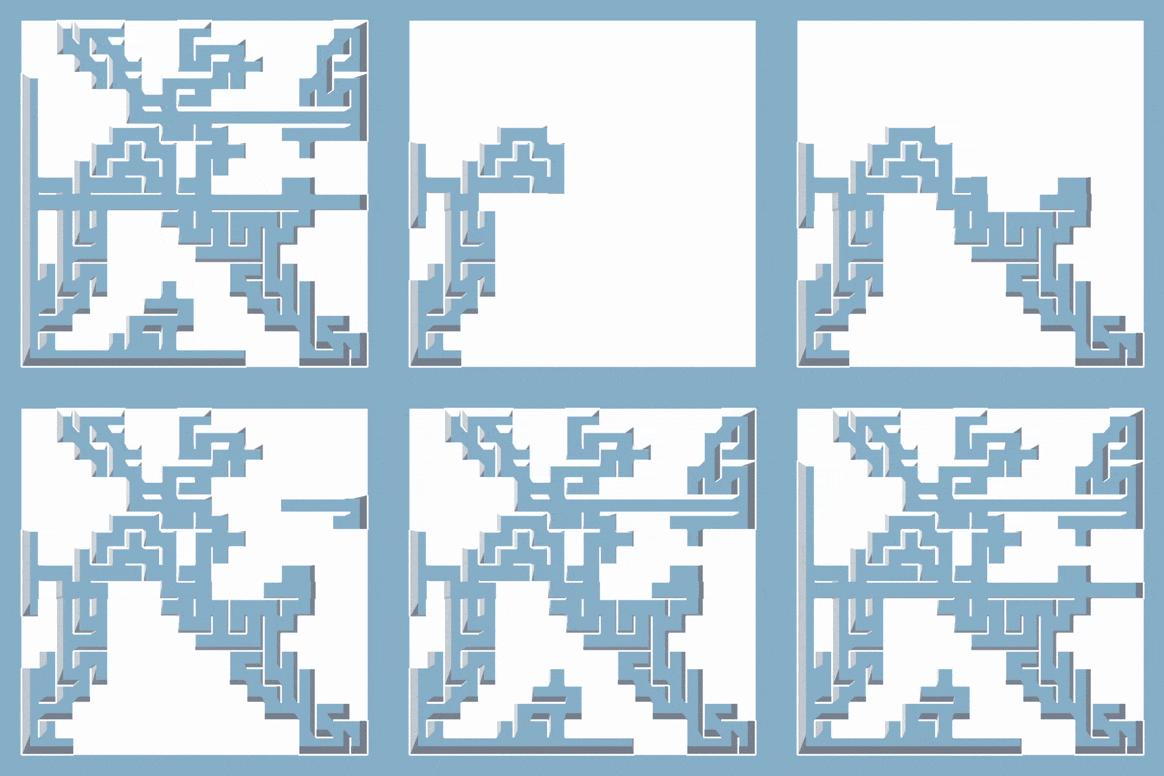
From here, the "maze" array is passed into the "Backtracker" function to begin the actual maze generation. If there is no assigned starting cell, a random starting point is chosen from available non-null cells. The selected starting cell is then set to visited and is pushed to a stack of positions. While this stack isn't empty, the current position is set to the next position in the stack and all neighbouring cells are checked for unvisited cells. If there are any visitable neighbours, a random cell from the visitable cells is selected as the next cell. Both the current cell and next cell are then pushed onto the stack and the loop continues. If there are no visitable neighbouring cells, the loop still repeats as long as the stack of positions is not empty. In this case, the next position in the stack is popped from the stack to replace the previous one.

Once the stack is empty a check is run to ensure there are no cells remaining that are "unvisited". If there are any missed cells, the "ConnectUnvisitedCells" function is called. This gets a random unvisited cell and then searchs in all directions for the nearest visited cell. After finding a visted cell, all cells between the unvisited cell and the visited cell are marked as unvisted and the "Backtracker" method is recalled from the newly connected cell. Finally the maze array is returned to the UpdateMaze function where it is ready to be visualised.
Visualisation
To visualise the maze step by step, a queue of Vector2 positions is created to store the order of visited cells. During the "Backtracker" function, whenever a new position to visit is found and pushed to the backtracking stack, it is also added to the visualisation queue. This is also done on dead-ends to ensure the full maze gets visualised.

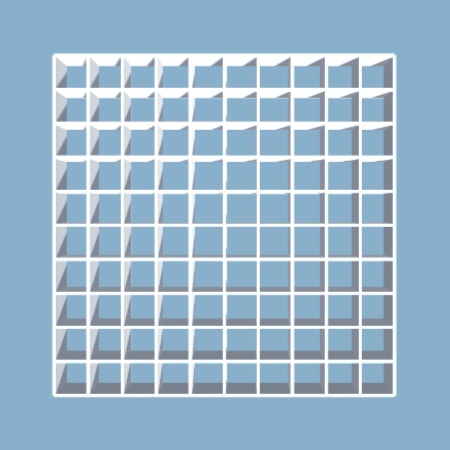
The maze grid is now passed into the "VisualiseMaze" function and every space in the grid is initally filled with obstacle blocks to serve as a base visual. Each position in the visualisation queue is then checked for non "nullcells". For all cells not marked as null, the obstacle block is destroyed in to clear space for the backtracker. Next, the cell's walls value is read to determine what walls to instatiate. The wall placement action for each cell is then stored in another queue of actions, to create the step by step visualisation effect. Lastly, in update if there are actions in the action queue and the time between steps is over a set threshold, the next queued action is unqueued and exectuted. This creates the step by step generation effect and allows the user to watch the maze being built in real time.